VIPadm Visitor Registration
Uninvited guests register when they arrive at the company's reception. Registers their mobile.
If number exist, previous details of guest are displayed.
If not, the name, company/private are registered and the guest selects the one he/she wants to visit

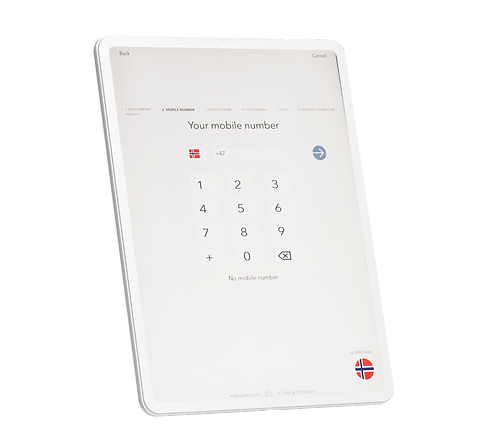
Visitor Registration
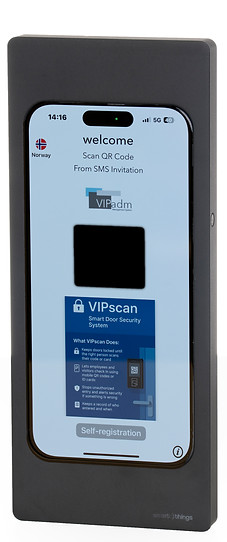
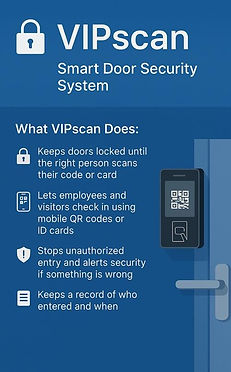
VIPvisitor App is an App that is used on iPad and is an alternative to VIPscan terminal
Visitor registration is facilitated for all languages and phone numbers.
The terminal is normally mounted on a reception desk or attached to a wall.
The guest starts by registering their mobile number. If it already exists, the last registration is displayed.
If this is a new guest, the name, company/private are registered and the guest chooses the person he/she wants to visit.
After registration, the visitor label will print (optional), and a message will be sent to host.
SMS Invitation can also be scanned on this terminal. If a photo and/or signing of the Confidentiality Statement/Security Instructions is required, the system will request this.
Depending on settings:
1. Takes a photo of the guest
2. Digitally sign the Confidentiality Statement and Security Instructions that are sent to the guest and host as an attachment to the email.